How to Vibe Code Without Shipping Bugs to Production
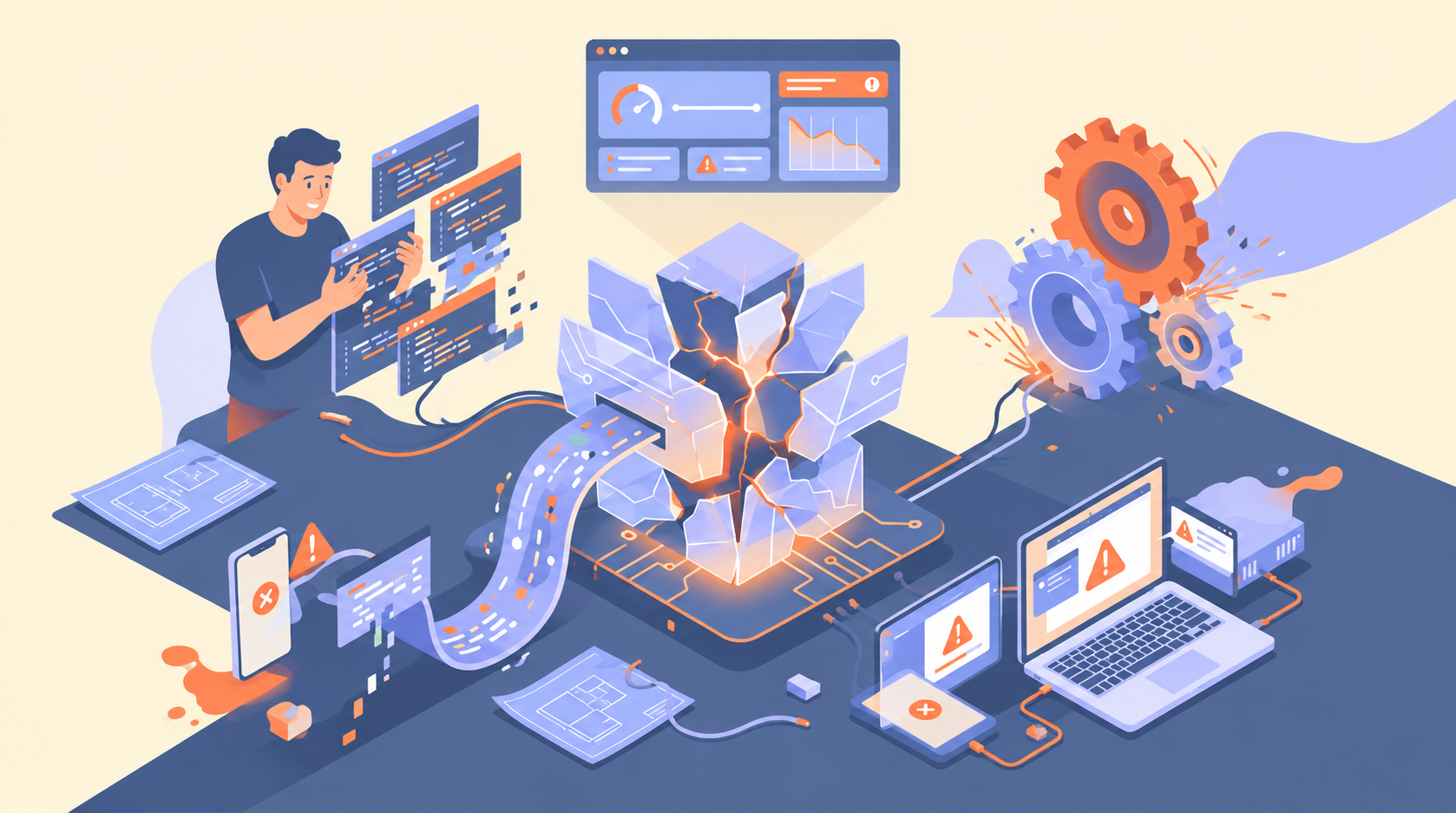
Your AI-generated feature works perfectly on localhost. Then real users arrive, and it breaks.
Vibe coding means describing what you want in plain language and letting an AI tool write the code. To vibe code safely, you still have to review, test and secure that code before it reaches production.
This guide gives you 6 practical rules and a pre-ship checklist to keep AI-generated bugs out of your live app. As The Future of Mobile Apps increasingly involves AI-powered features and automation, maintaining code quality, security, and reliability becomes even more important.
Why Does Vibe-Coded Code Break in Production?
Vibe-coded code breaks in production because AI tools write code that looks correct and passes a quick demo, but nobody has checked it against real-world conditions.
Three gaps cause most failures:
- Unread code: you accept changes you never reviewed, so hidden bugs ship with them.
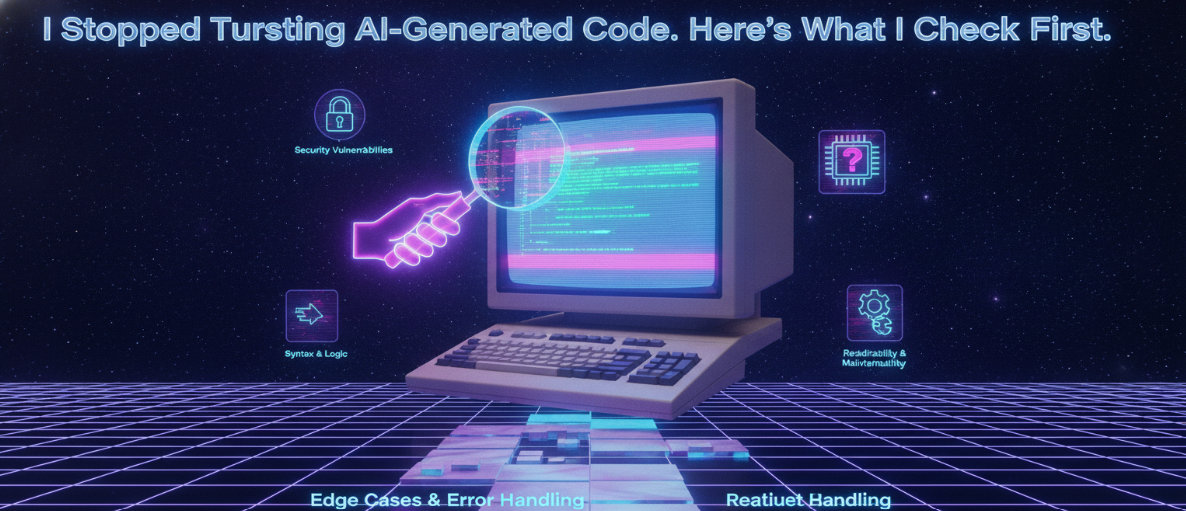
- Missing tests: the AI handles the happy path but misses edge cases like empty inputs, slow networks and bad data.
- Weak security: generated code can expose API keys, skip input validation or leave routes unprotected.
Production is where all three gaps meet real users, making the differences between vibe coding, traditional programming, and AI-assisted development especially important when evaluating code quality, reliability, and long-term maintainability.
How to Vibe Code Safely: 6 Rules
To vibe code safely, treat AI output like a pull request from a new teammate: plan it, review it, test it and secure it before it ships.
Rule 1: Plan Before You Prompt
Write down what the feature should do, its inputs, outputs and edge cases, before you ask the AI for code. Ask the tool for a plan first, then approve it. Vague prompts produce vague code.
Rule 2: Review Every Diff
Never accept changes you haven’t read. Check each diff for unused code, hard-coded values and logic that doesn’t match your plan. If you can’t explain a block, ask the AI to explain it or rewrite it.
Rule 3: Test Before You Ship
Run the code against bad input, not just the happy path. Test empty fields, wrong data types, large payloads and failed API calls. Ask the AI to write unit tests, then check that they assert real behavior.
Rule 4: Check Security Basics
Keep API keys and secrets out of prompts and out of Git, and load them from environment variables. Validate all user input on the server. Confirm that authentication protects every private route.
Rule 5: Commit Small and Use Staging
Commit after each working change so you can roll back fast. Deploy to a staging environment first and run your checks there before touching production.
Rule 6: Ask the AI to Explain Its Code
Ask, “What could break in this code?” The answer often exposes missed edge cases and risky assumptions before your users find them.
When Should You Not Vibe Code?
Don’t vibe code the parts of your app where a mistake is costly or hard to undo. As explored in AI and the Future of Work, AI is changing how developers work, but human expertise remains essential for critical decisions, security, and reliable software development.
Skip it, or review it line by line, for:
- Payments and billing logic
- Authentication and permissions
- Security-critical code such as encryption or data access rules
- Anything involving sensitive user data
Pre-Ship Checklist for Vibe-Coded Apps
Run through this list before every deploy:
- I read and understood every diff.
- I tested edge cases, not just the happy path.
- No API keys or secrets are in the code or the prompts.
- User input is validated on the server.
- Private routes are protected by authentication.
- The change was committed in a small, reversible step.
- It ran cleanly on staging first.
Conclusion: Vibe Code Fast, Ship Carefully
Vibe coding speeds up development, but speed without checks is how bugs reach production. Plan before you prompt, review every diff, test edge cases, secure your secrets and deploy through staging. Do that, and you keep the speed without the surprises.
If your team is building AI-assisted features and needs production-ready code, code review or testing support, Synfinity Dynamics can help.
About the author
- At Synfinity Dynamics, we help businesses unlock growth with secure fintech development, high-performance web & mobile apps, and scalable digital solutions built for the future.
Comments
Join the discussionNo comments yet. Be the first to comment.